Press play on your to-do list.
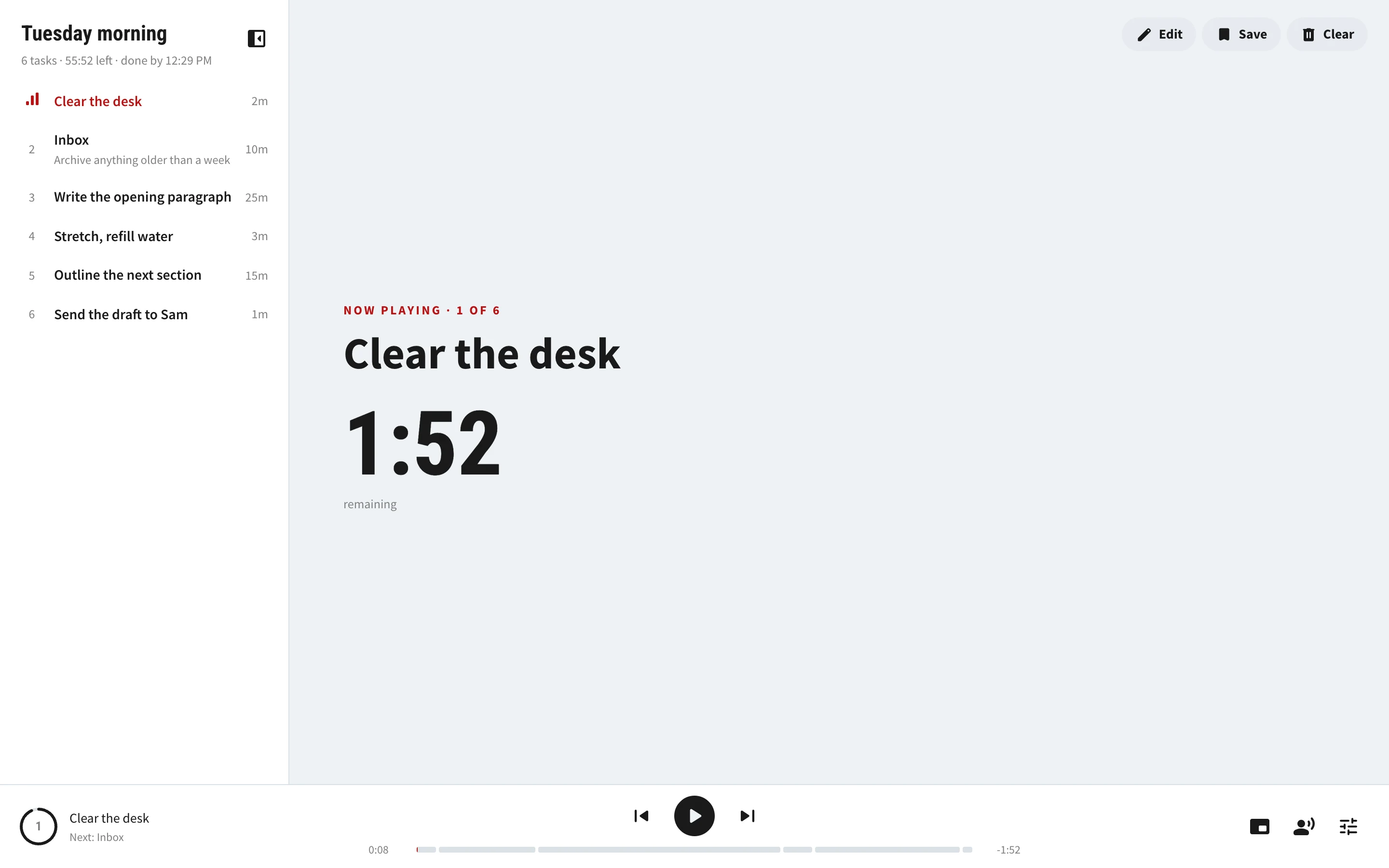
Underhead turns a list of tasks into a playlist. It reads each task aloud, counts it down, and moves on to the next, so you stop deciding what's next and just do it. This page works the same way: press play at the bottom, or scroll.
Write it like you'd text it.
One task per line. Add a time anywhere on the line, 30s, 2.5m, 1 hr, and that task gets a timer. Paste a list from your notes and it splits itself into tasks.
It talks you through it.
A natural voice reads each task as it starts, a quiet clock ticks if you want it to, and a bell rings when time's up. Then the next task begins.
Put the phone in your pocket.
You don't need to watch it. On Android and computers, Underhead keeps playing with the screen off, like a podcast would. The lock screen has next and back.
Every screen, any way up.
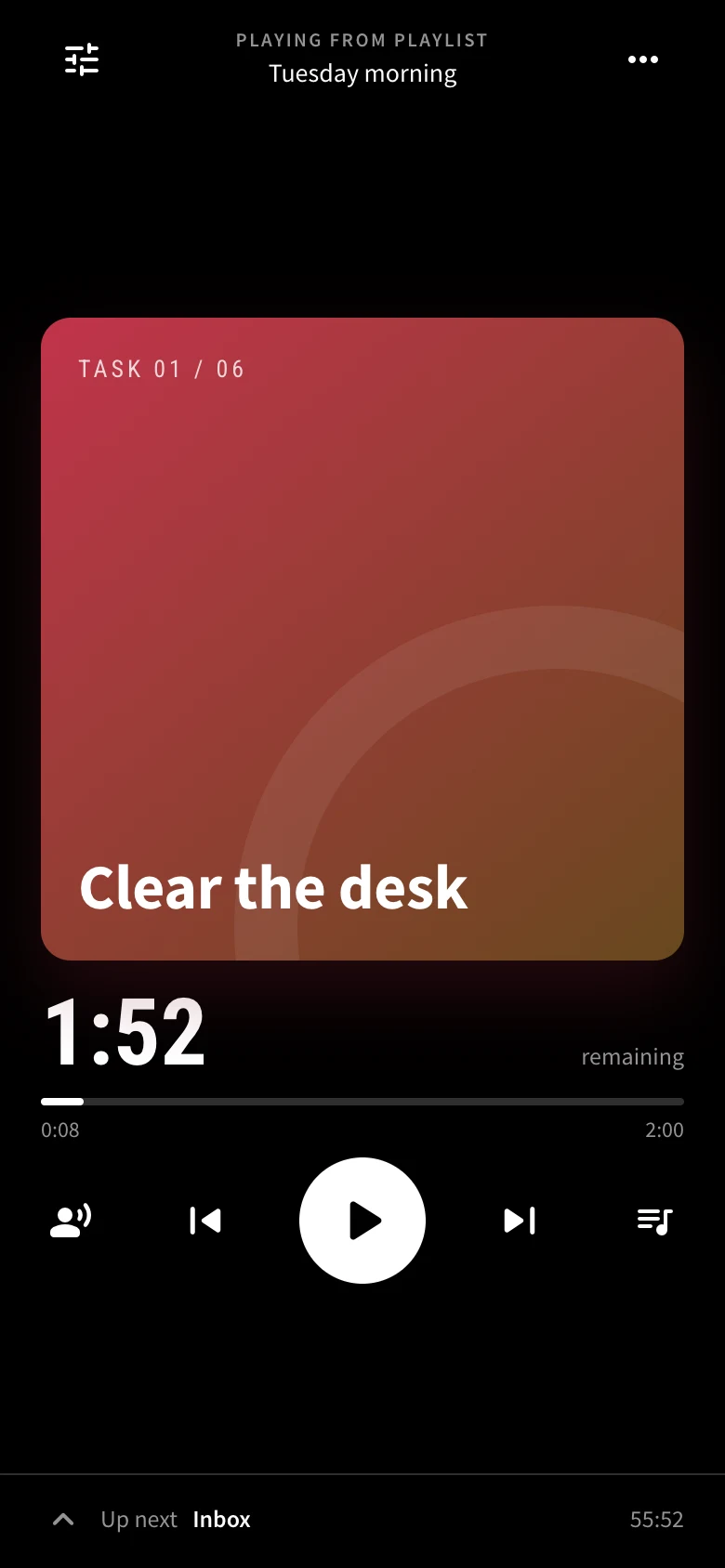
The same playlist on your computer, tablet, and phone, laid out for each one, upright or sideways. On a computer you can pop the player into a small window that stays on top of everything else.
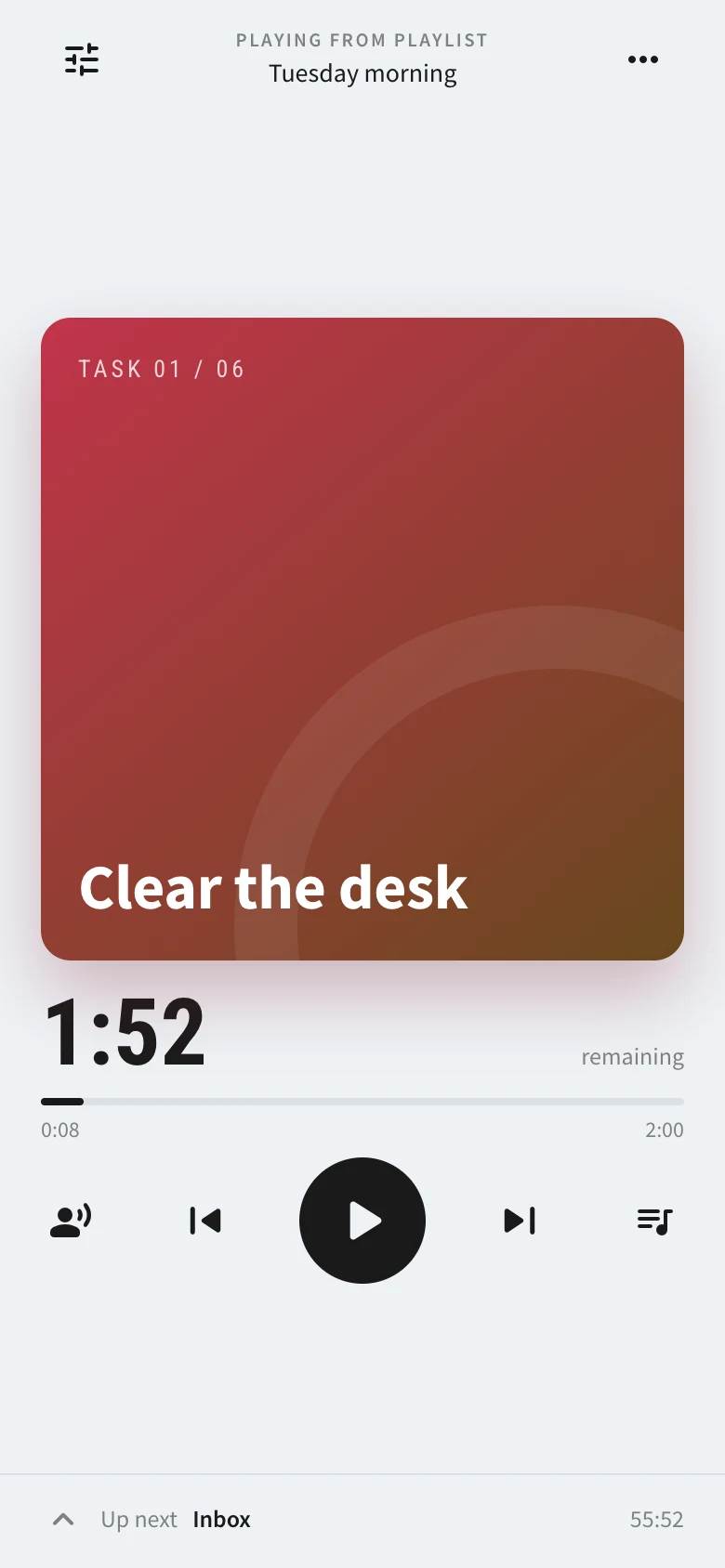
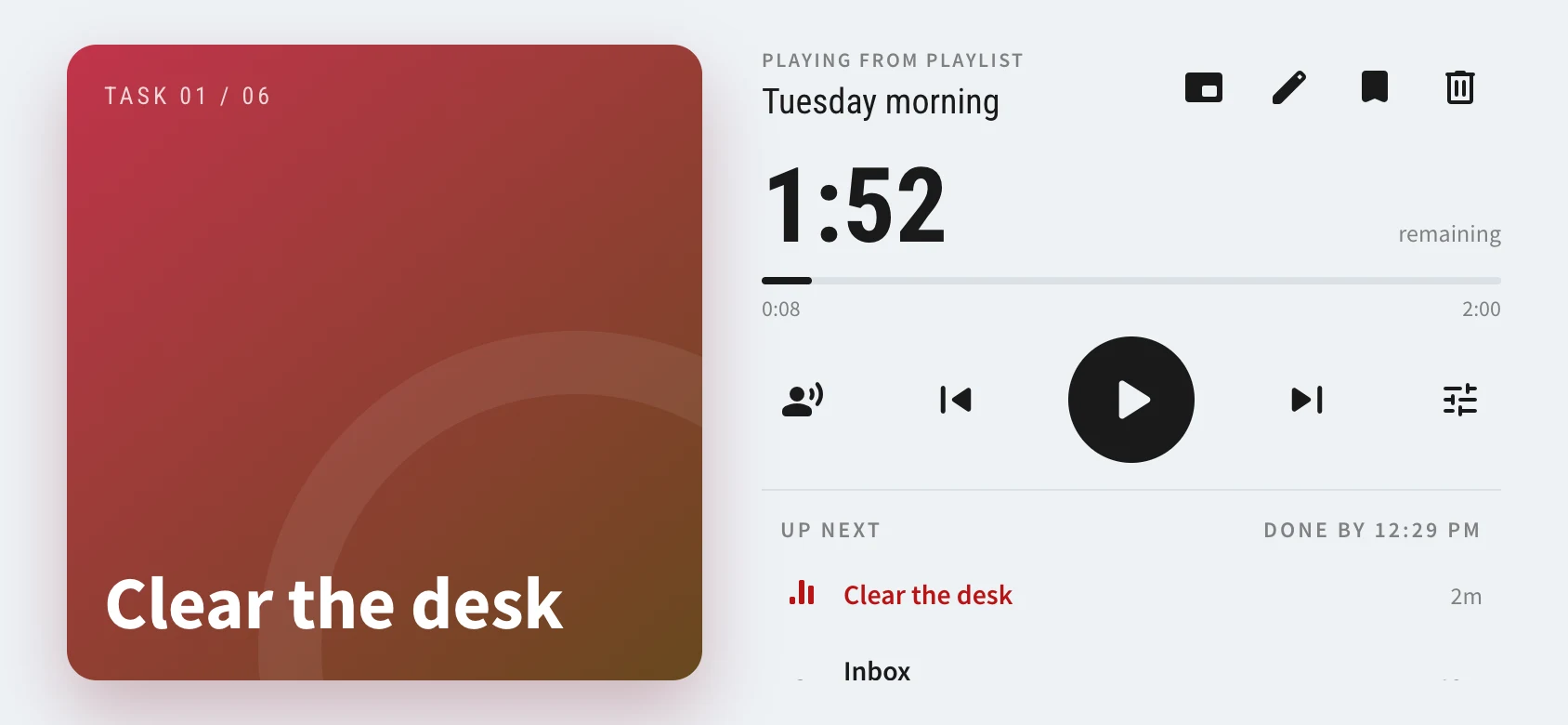
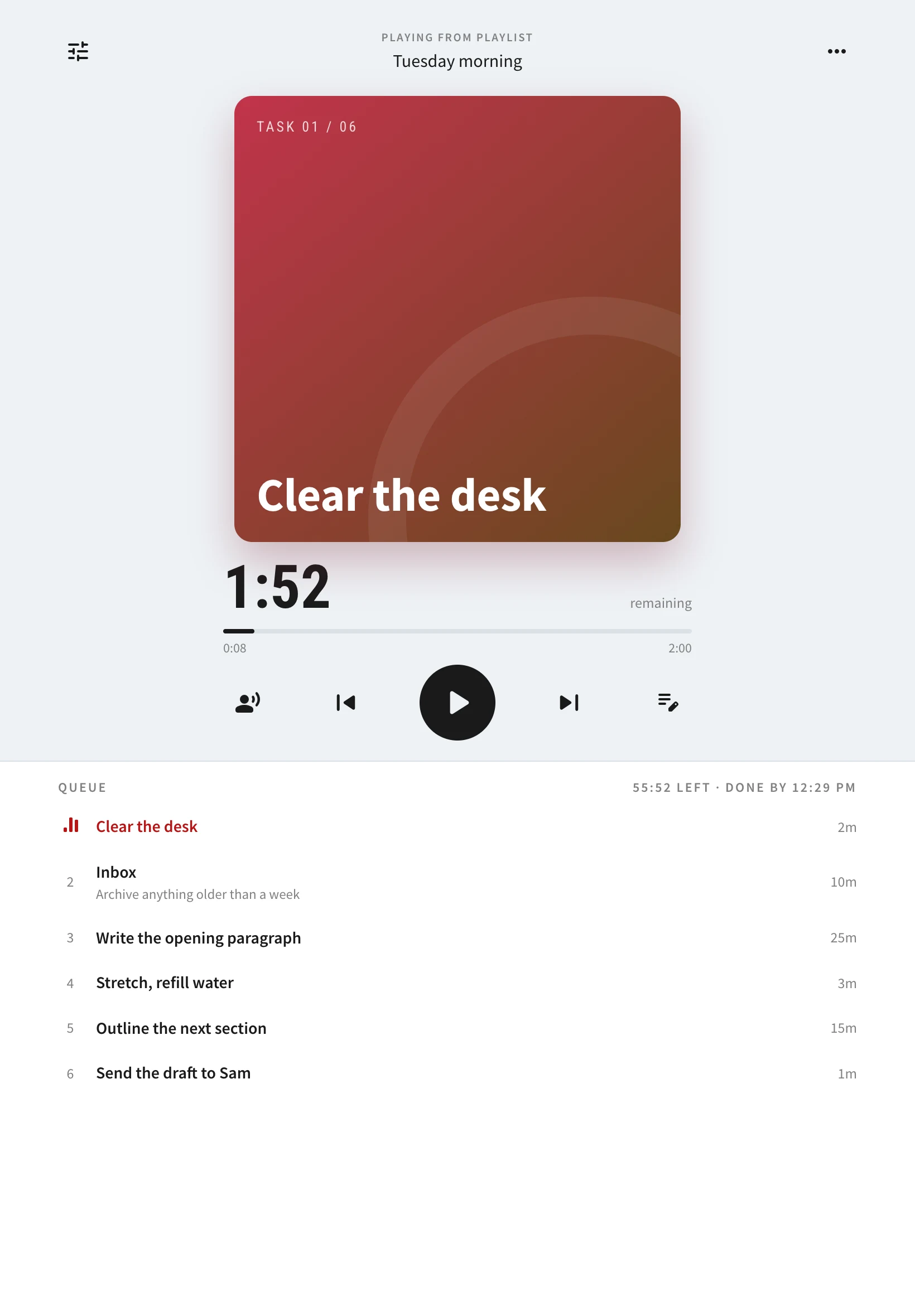
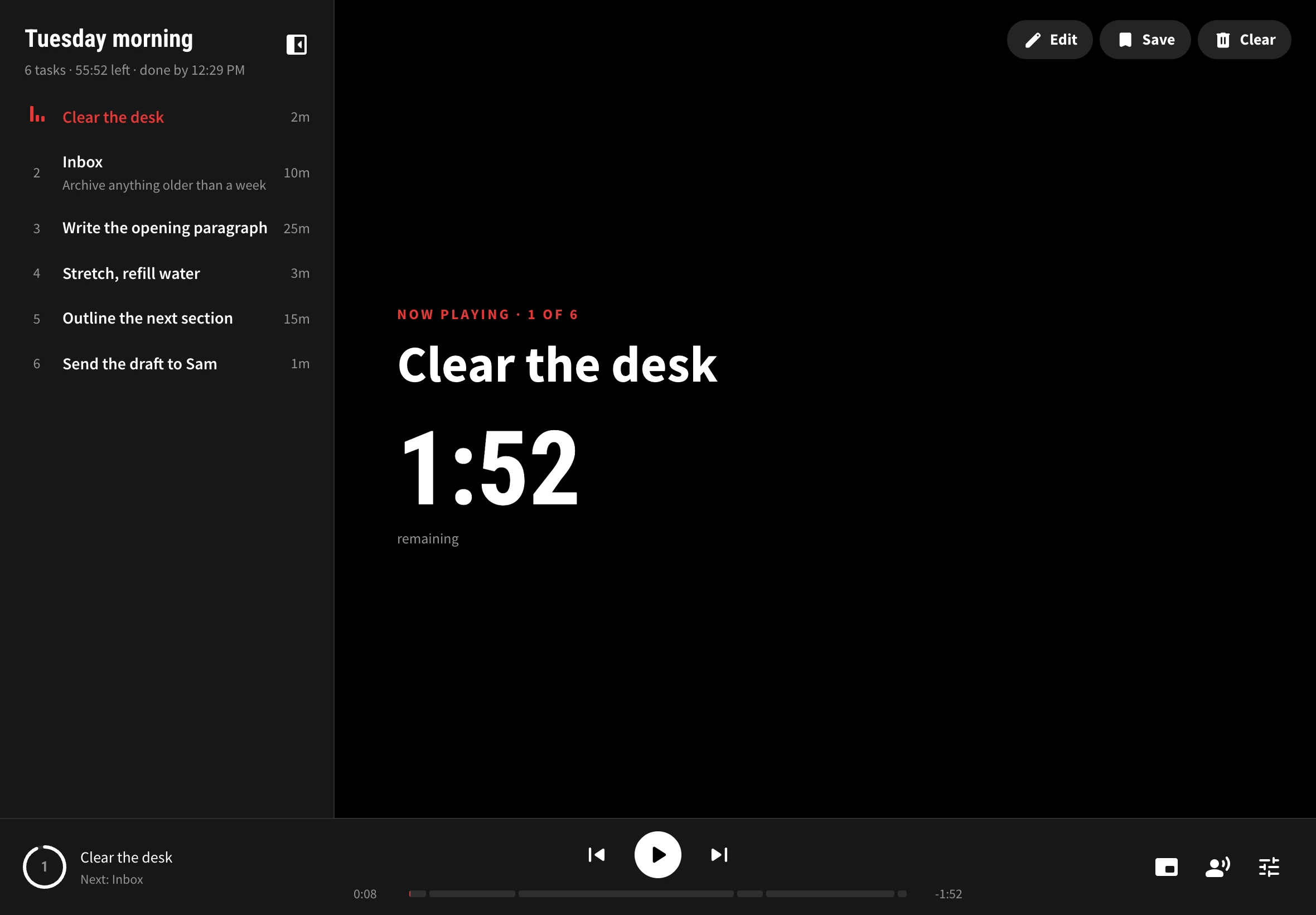
Light for the morning. Black for late.
Try it. This page switches too.
Your turn.
Free, in your browser, nothing to install. Save the playlists you repeat, and sign in with Google to have them everywhere.
play_arrowOpen Underhead